
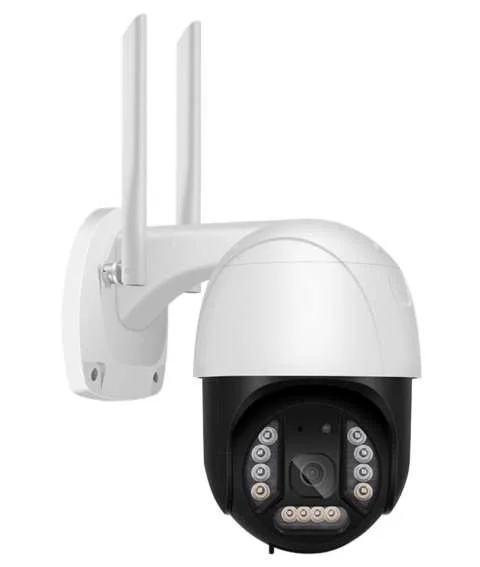


After you open your product, please check that the product and accessories resemble the images below:

When you open the package, please check that the product and accessories match the images listed below:

PTZ Camera DC12V/2A Adapter

Waterpprof Cap Screw Set

User Manual




原文 WiFi Microphone White LEDs


Option 1 Continued...


Option 1 Continued...


Option 1 Continued...


Option 2 - Wired Network Configuration:

third option Add device in the same WI_AN'.


Q - How do you save videos on the camera?
A - The camera supports FAT32G format Class6, Classic, TF Card with a maximum memory of 128G. When the memory on the TF card is full, it will delete the oldest video automatically and loop recording.
Q - How do you restore to factory settings?
A - Open camera settings by following ‘Settings - General - About Equipment’ and click ‘Restore Factory Settings'. IMPORTANT: Do not turn off the camera during this process. A - Q - The camera is offline - what do I do?
A -1) Check the power source and the Wifi connection. 2) Restart your camera. 3) Reconfigure your camera.

Whilst using the camera, please amend the user password for your own security. Please ensure when installing the equipment, your environment isdust and damp free.

While using the camera, change the user password for your own safety. When installing the equipment, make sure its environment is free from dust and moisture.
Please ensure you update the App when prompted to do so. Updates: Please be sure to update the application when prompted.
Please retain this information for future reference.


ユーザーまたはスタッフが通常1日以内に回答します。あなたの質問が次の人の助けにもなります。
最初の質問を投稿しましょう。他のユーザーや当チームが回答します。
