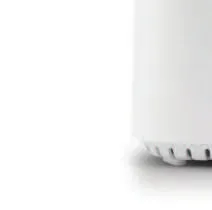

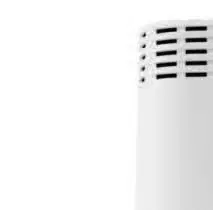
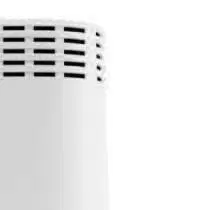
Router
Download and install the My Fios app for personalized setup instructions.

Don’t have internet access? Use the installation instructions inside.
Fios Router ( 1 ) Power adapter ( 1 ) Ethernet cable ( 1 )
If the light is red or flashing red, Verizon support is needed.
For installation help, use the My Fios app or visit verizon.com/fiosbusinessrouter

1. Connect your cables
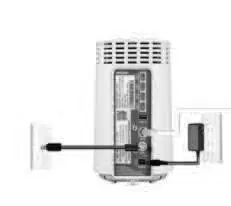

A. Connect the coax cable from the coax port on your
router to a coax outlet. (Required for Fios TV)
B. Connect the Ethernet cable from your router’s WAN
port to an Ethernet outlet. (Required for speeds greater than 100 Mbps)
C. Connect the power cord from the router to an
electrical outlet.
D. Router will take up to 10 minutes to power up
completely. Move on when the front light is solid white.
Wired or Wi-Fi? Your choice.

A. Connect the Ethernet cable to any yellow LAN port
on your router.
B. Connect the other end to your computer.
A. Get the Wi-Fi name and password off the label on
your router.
B. On your device, choose your Wi-Fi name when it
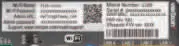
appears.
C. Enter the Wi-Fi password exactly as it appears on
your router label.
The Fios Router has one Wi-Fi name supporting 2.4 GHz and 5 GHz signals. The Self-Organizing Network (SON) feature lets your devices move between the two signals automatically for an optimized Wi-Fi connection.
Activate your router by opening a web browser on your computer and following the prompts.
©2020 Verizon. All rights reserved. BIZFRTROLG0620
Wired connection · Router label
この取扱説明書で参照されているリンク(メーカー、サポート、ダウンロード等)。
ユーザーまたはスタッフが通常1日以内に回答します。あなたの質問が次の人の助けにもなります。
最初の質問を投稿しましょう。他のユーザーや当チームが回答します。