


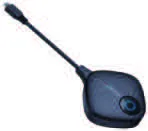

Quick Start Guide

Product information is subject to change without prior notice.

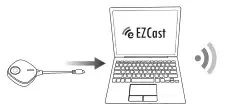
Simply plug into laptop or mobile 1
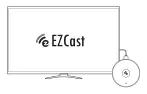
Plug EZCast TwinX C-1 to Type C port on laptop or mobile. Wait a few seconds until the flashing light on EZCast TwinX stops, and it will start mirroring automatically. Please make sure to insall and pair to EZCast wireless display receiver if flashing over 20 seconds.
Stop and restart mirroring 2
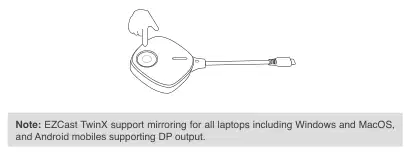
Press the EZCast TwinX button to stop mirroring or restart mirroring.

Turn on pairing mode for receiver 1
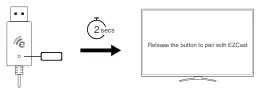
Press the reset button (or insert the pin to press) for 2 seconds on EZCast wireless display receiver. Release the button when the screen shows “Release the button to pair with EZCast”. Please make sure your receiver has been upgraded to the latest version.
Press the EZCast TwinX button 2
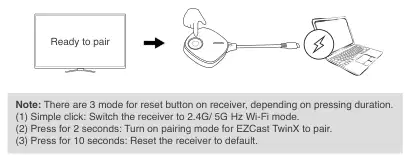
Plug EZCast TwinX on laptop or mobile to provide power. Press the EZCast TwinX button to complete pairing while the screen shows “Ready to pair”,
ユーザーまたはスタッフが通常1日以内に回答します。あなたの質問が次の人の助けにもなります。
最初の質問を投稿しましょう。他のユーザーや当チームが回答します。