

NF18ACV NC2 FAQs
You will need your VoIP account details to be able to configure VoIP Service, please contact your SIP provider or Internet
Service provider if you do not have the VoIP account details.
After standard VoIP setup, if you cannot receive incoming calls, the following steps will set up your VOIP connection without
using a SIP Outbound Proxy. This will resolve your incoming VoIP call issue.
1 Open a web browser (such as Internet Explorer, Google Chrome or Firefox), type http://192.168.20.1 into the address
bar and press Enter.

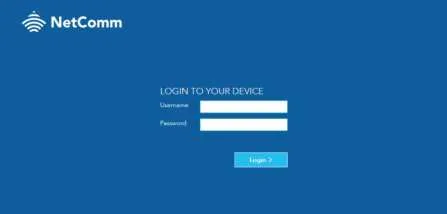
2 At the login screen, type admin into both the Username and the Password fields (or the username and password
that you have configured previously) and click the Log In button.
3 From the Summary screen, please confirm that NF18ACV is running the latest Software Version.
NF18ACV NC2 FAQs 1 of 3 © NetComm Wireless 2020
Pre-requisite


the following link:
http://support.netcommwireless.com/product/nf18acv
4 Click Voice from the left-hand side menu, select Line1 or Line2 and then clear the SIP Outbound Proxy field.

2 of 3 No Incoming Call Issue © NetComm Wireless 2020

In the SIP Account table at the top of the page:
5 Select Line 1 if you only use 1 VoIP account and select Line 1 and Line 2 if you use 2 VoIP accounts.
6 For each SIP Account that you are using:
a If your VoIP username is different from your VoIP phone number, type your VoIP username into the SIP
Username field, otherwise type in your VoIP phone number.
b Type your VoIP phone number into the Line Number fields.
c Type your VoIP password as given to you by your VoIP Service Provider into the SIP Password field.
7 Click the Apply/Save button.
Wait five minutes and then call the VoIP number from another phone.
NF18ACV NC2 FAQs 3 of 3 © NetComm Wireless 2020
SIP Account table
この取扱説明書で参照されているリンク(メーカー、サポート、ダウンロード等)。
ユーザーまたはスタッフが通常1日以内に回答します。あなたの質問が次の人の助けにもなります。
最初の質問を投稿しましょう。他のユーザーや当チームが回答します。