












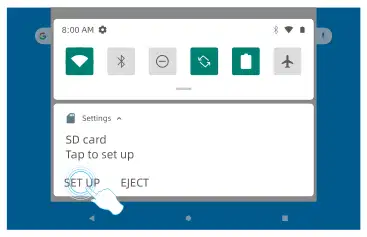
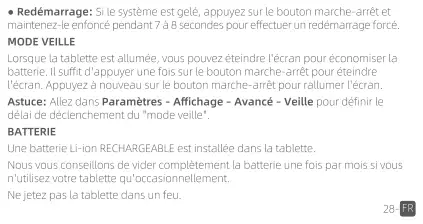
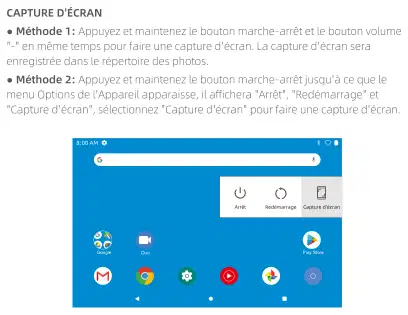
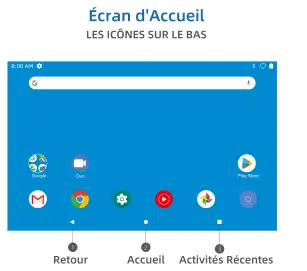
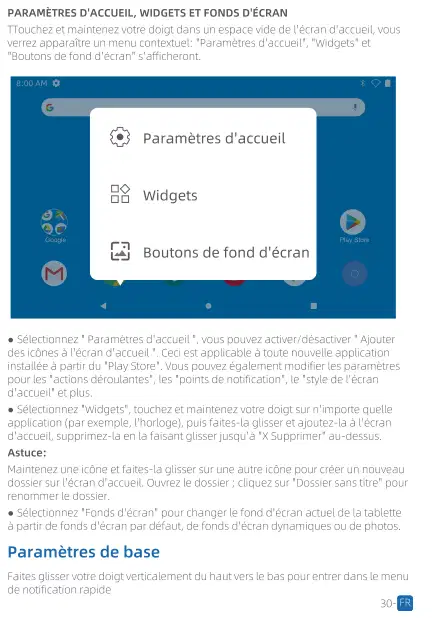
To make sure your tablet be able to call, put the SIM card in the following order.
Press the card pin into the side hole and then the card tray will pop up, please pull it out
Take out the card slot and place the SIM CARD or SIM CARD & SD CARD, make sure the bevel angle is aligned with the bevel angle of the card slot and placed in the corresponding card slot.
With the tablet facing up, insert the card holder into the tablet in the direction like below.
SIM2
SIM1
SIM1
SIM1 SIM2/TF
SIM1 SIM2/TF
TF
SIM1 SIM2/TF
SIM1 SIM2/TF
TF
SIM1 SIM2/TF
SIM2
❶ ❷ ❸ · ❶ ❷

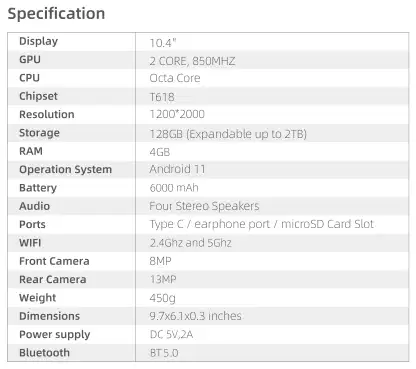
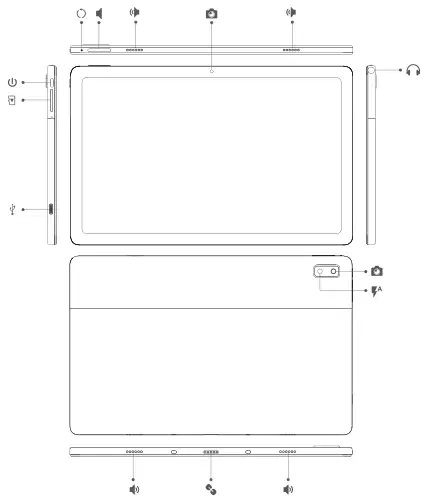
Type C / earphone port / microSD Card Slot
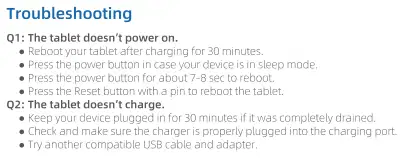

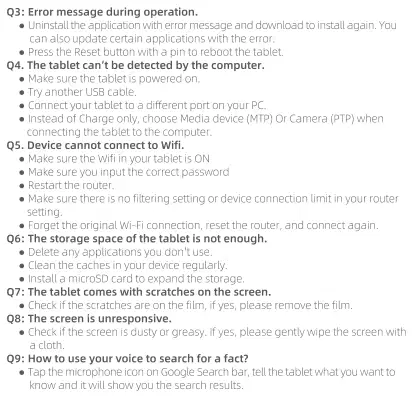

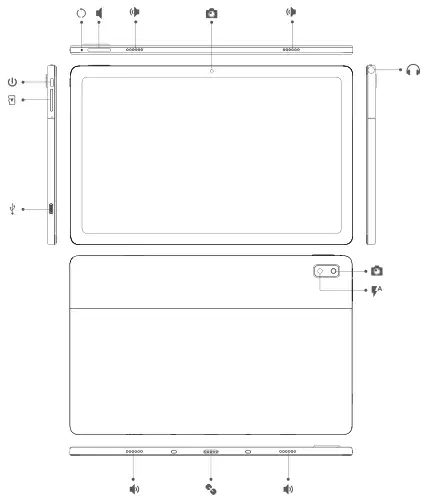













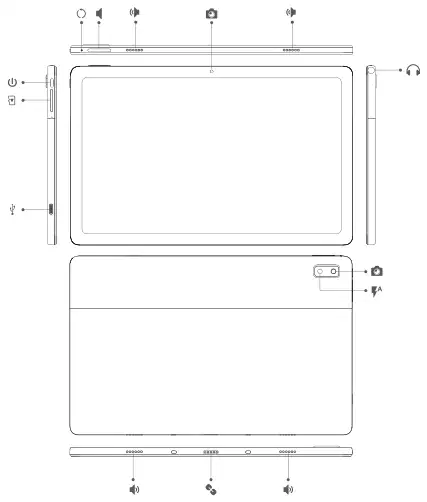











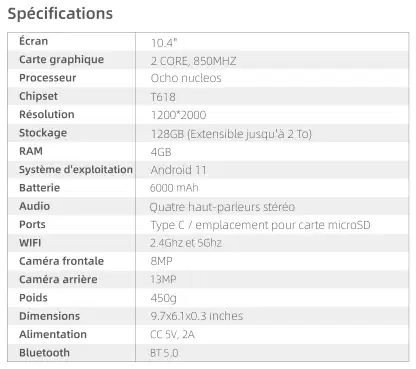


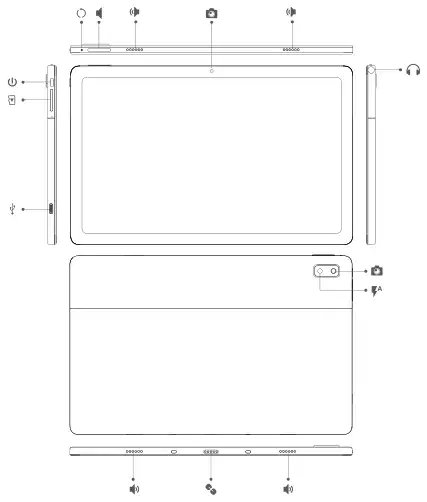











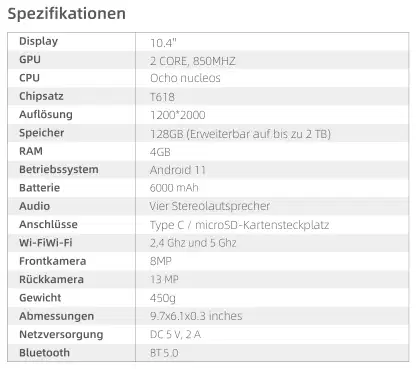


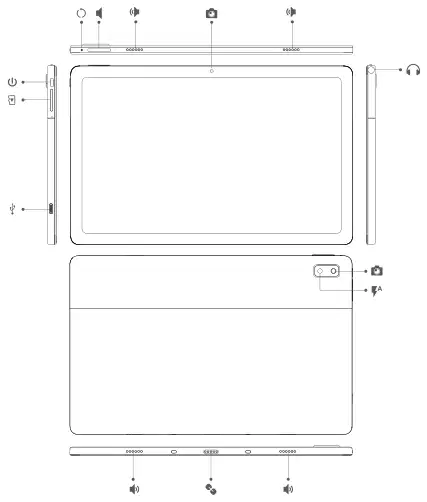











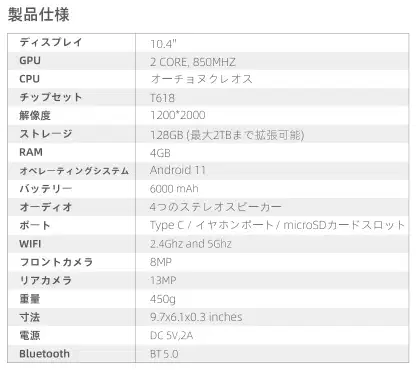
Type C / イヤホンポート/ microSDカードスロット



ユーザーまたはスタッフが通常1日以内に回答します。あなたの質問が次の人の助けにもなります。
最初の質問を投稿しましょう。他のユーザーや当チームが回答します。
