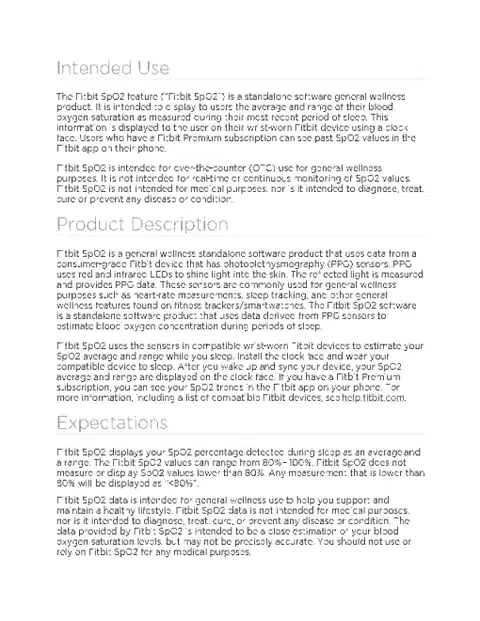
With a Fitbit Premium subscription, see your SpO2 trends in the Fitbit app on your phone:
1. Wear your device for at least a full day, including to sleep at night. 2. In the morning, open the Fitbit app and tap the Health Metrics tile. 3. Swipe up to find the Oxygen Saturation (SpO2) tile.
図 3 · Track your SpO2 trends in the Fitbit app
7ページ · クリックして拡大
7ページ
図 4 · Track your SpO2 trends in the Fitbit app図 5 · Track your SpO2 trends in the Fitbit appShow 6 more labels / short text on this page