


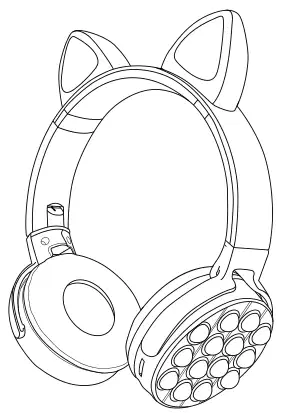
HPS-KBTPOP-PK

Laser Corporation is 100% Australian owned &
operated. To get the most out of your product please read the user manual carefully and keep
for future use.
For specific information relating to your product such as Spare Parts, FAQs, Warranty claims, and
more, please scan the following QR code:


Continued...
Insert an SD Card to listen to audio files. -
Plugging a 3.5mm headphone cable into the AUX port will allow wired use.
Plug the micro USB cable into the port to charge the device Switches between FM Radio mode and Bluetooth mode
Press mode to switch between FM and Bluetooth mode -
Pressing for 3 seconds will turn the headphone on/off Pressing for 2 seconds will call the last known number Short press will play/pause a track or answer/reject a call


Check us out at www.youtube.com/lasercoau

この取扱説明書で参照されているリンク(メーカー、サポート、ダウンロード等)。
ユーザーまたはスタッフが通常1日以内に回答します。あなたの質問が次の人の助けにもなります。
最初の質問を投稿しましょう。他のユーザーや当チームが回答します。
